Discover Carver Surfskate
Carver Surfskate has transformed how surfers train on land. They are recognised worldwide as a premium surfskate brand. Each Carver board recreates the feeling of real ocean surfing on pavement. Riders experience smooth carving, controlled turns, and fluid motion. Carver surfskates suit both beginners and advanced riders. They help improve balance, coordination, and surf-specific techniques. Many riders consider Carver one of the best surfskate brands available today.
Carver surfskates bridge the gap between surfing and skateboarding. They allow surfers to practise technique without entering the water. This makes them ideal during flat spells or off-season training. Skaters also enjoy Carver boards for carving and cruising sessions. The ride feels natural, dynamic, and highly engaging on various surfaces.
The Ultimate Surf Training Skateboard
Carver boards are popular with surfers during flat or off-season conditions. They function as a highly effective surf training skateboard. Each ride closely mimics natural surfing movements and wave dynamics. This improves balance, flow, and efficient carving technique. Carver surfskates help surfers maintain skills when waves are unavailable. They are often regarded as the best skateboard for surfing practice.
Training on a Carver builds muscle memory and confidence. Riders can practise cutbacks, pumping, and rail-to-rail transitions. These movements directly translate to better performance in the water. Regular use helps surfers stay sharp between sessions. Many professionals use surfskates as part of their training routines.
Innovation Behind Carver Skate Trucks
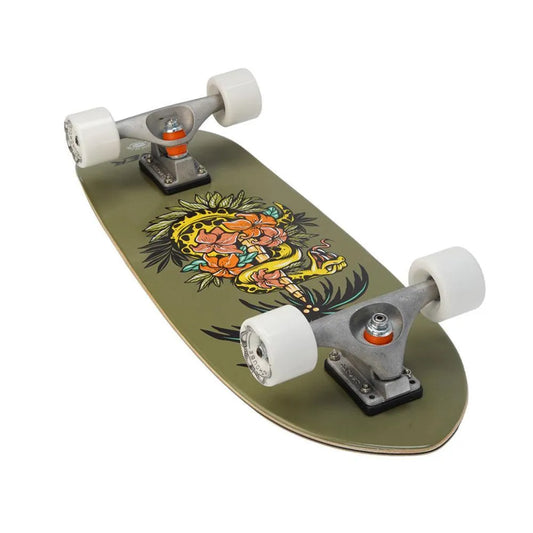
At the heart of every Carver board are advanced surfskate trucks. Carver engineers its truck systems for maximum responsiveness and control. The two main designs are Carver C7 and Carver CX trucks. Carver C7 surfskate trucks deliver smooth, flowing carves with adjustable bushings. They suit riders seeking a longboard-style surfing feel. Carver CX trucks offer faster response and sharper turns. They are ideal for shortboard-style surfing simulation and aggressive carving.
Both truck systems are built using high-quality materials. This ensures durability and consistent performance over time. Riders can choose setups based on personal style and terrain. This flexibility makes Carver suitable for many riding preferences.
Why Choose Carver skate Boards
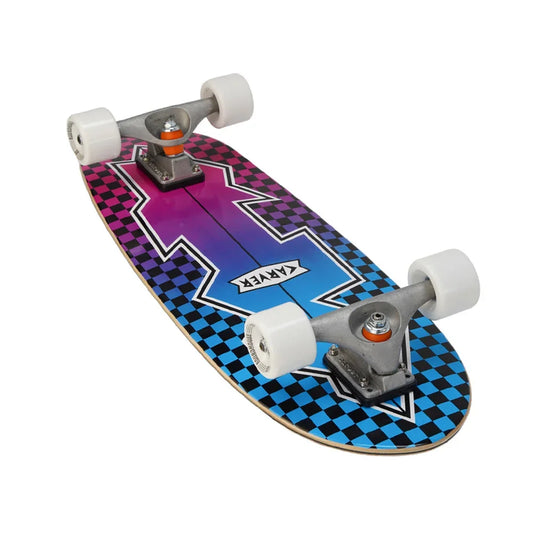
Carver boards stand out for build quality, durability, and performance. Each board handles confidently across streets, paths, and smooth concrete. They allow riders to perform fluid manoeuvres similar to real surfing. This makes them excellent surfskate carving skateboards for skill development. Carver boards are built to last while maintaining premium ride quality.
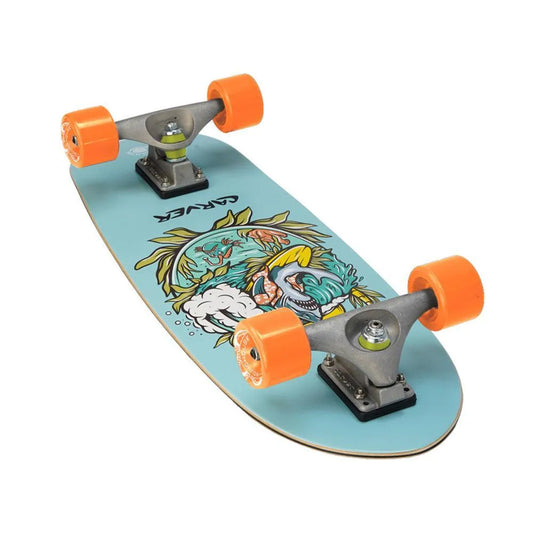
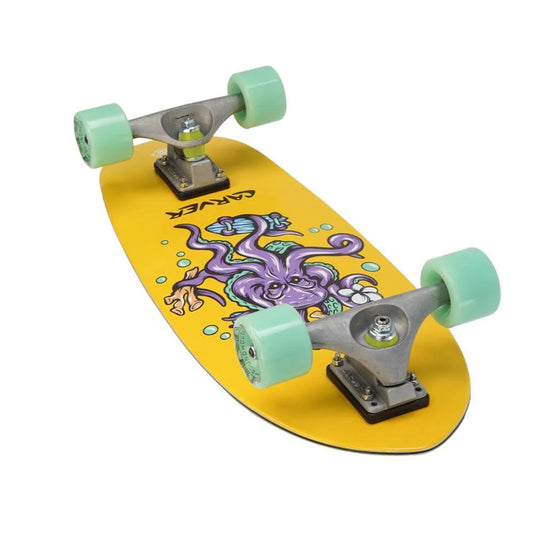
The decks feature carefully designed shapes and wheelbases. These elements improve stability and turning control. Wheels are selected for grip, speed, and smooth rolling. Every component works together for a balanced ride.
Community and Culture Around Carver Surfskates
Carver has played a major role in shaping global surfskate culture. The brand supports events, riders, and collaborations worldwide. This helps grow the sport and strengthen the surfskate community. Carver’s online presence keeps riders inspired and connected. Riders of all levels share experiences, advice, and progression together.
Carver encourages creativity, progression, and shared passion. The community welcomes surfers, skaters, and newcomers alike. This inclusive culture continues to push surfskating forward worldwide.
Bob Gnarly Surf Homepage
Surfing On Wikipedia
Need More Help Or Advice?
If you’re looking for expert advice, tips, or guidance on anything surf or skate related, we’re here to help! At Bob Gnarly Surf, we love sharing our passion and knowledge to make sure you get the most out of your time on the waves or the board. Whether it’s choosing the right gear, learning new techniques, or simply getting some pro recommendations, don’t hesitate to reach out. The easiest way to get in touch is through our live chat—just click the blue button at the bottom of your screen.






 LEARN
LEARN

